01
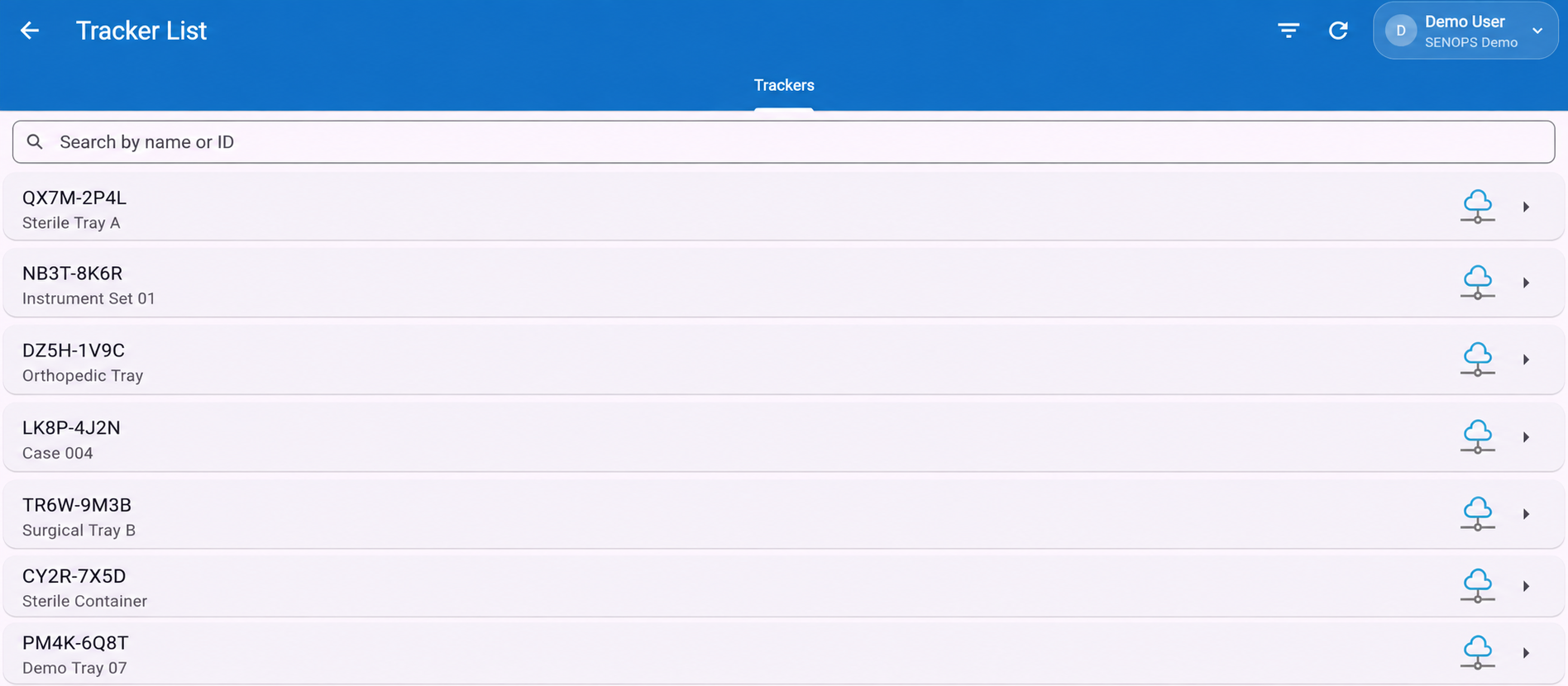
Tracker List
Every tracked tray and container in one list. Search by name or ID and open any asset in a tap.
The SENOPS Platform
SENOPS brings live location, movement, history, and operational data into one connected experience, giving organizations a clearer view of what is happening across individual assets, facilities, and entire surgical inventory networks.
Real-Time Asset Location
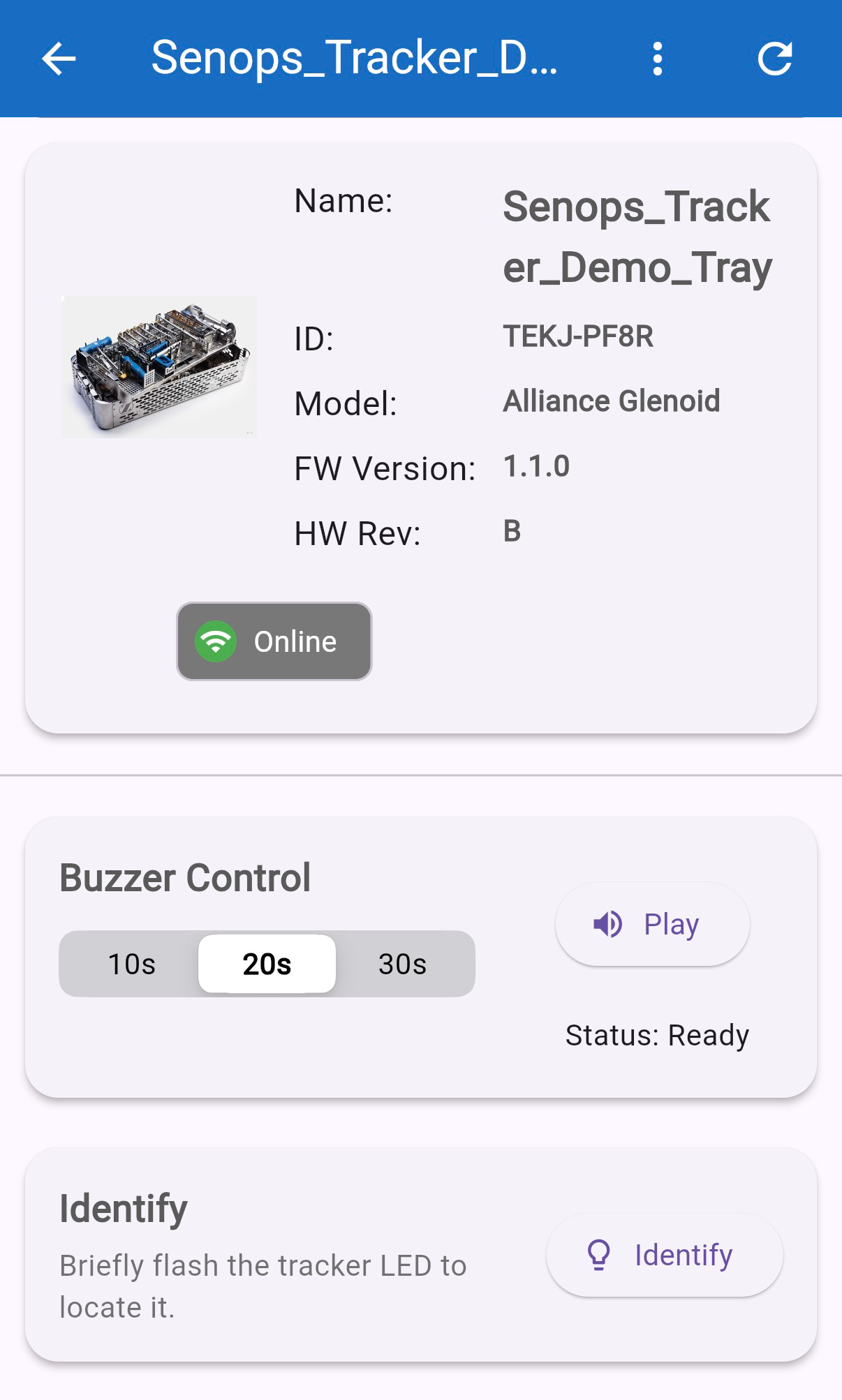
When you need the physical tray or asset in the moment, SENOPS Tracker can activate the tracker’s audible buzzer and visual indicator, helping staff go from “Where is it?” to actually finding it fast.
Open the exact tray or piece of equipment you need in the app.
Play the buzzer for 10, 20, or 30 seconds, or tap Identify to flash the tracker’s LED.
Follow the audible alert and visual indicator straight to the asset.
One Connected Experience
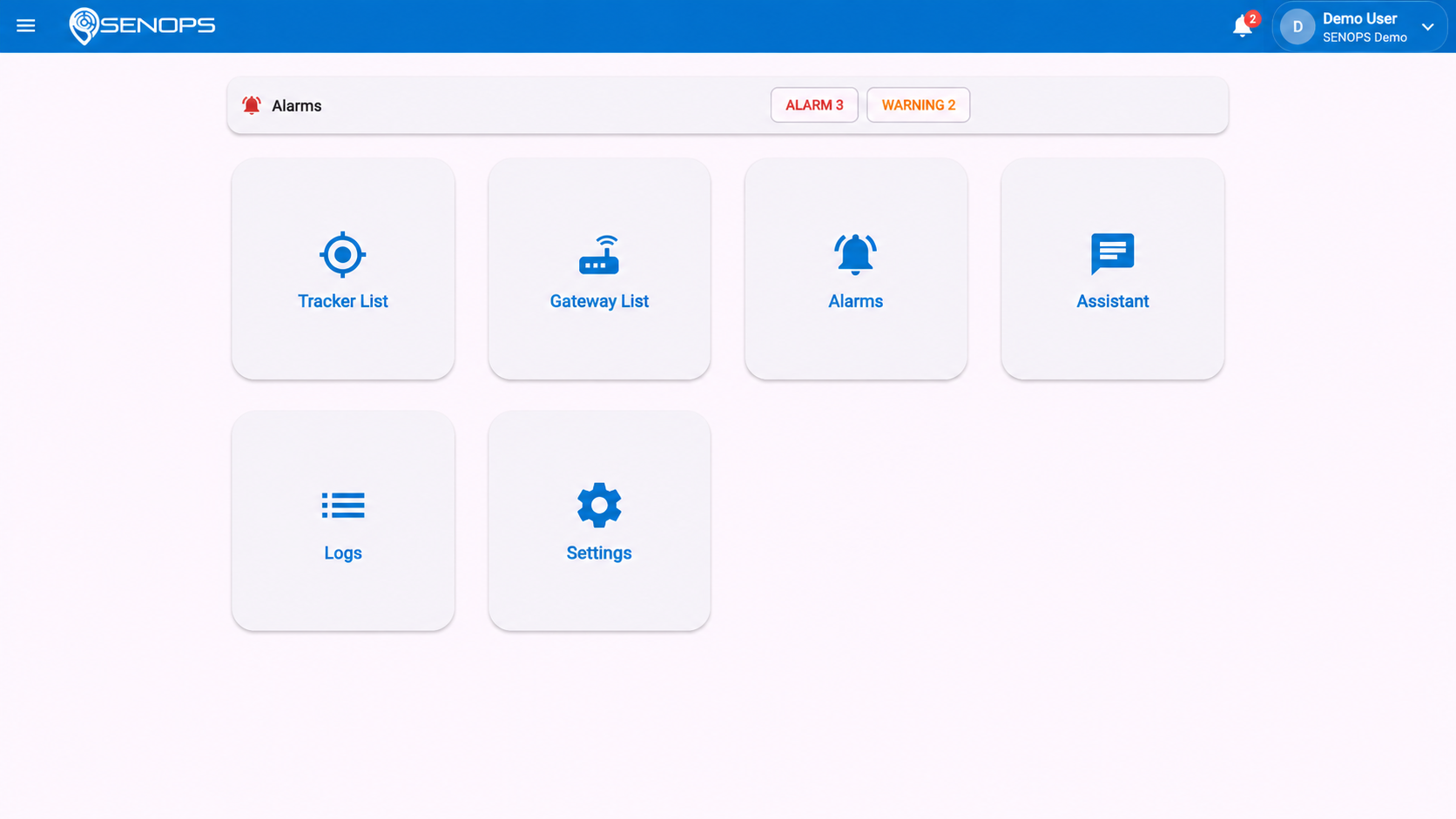
Move from a fleet-wide view to the details of a single tray without jumping between systems. SENOPS brings asset status, location, events, historical activity, and platform intelligence together in one connected mobile and web experience.
01
Every tracked tray and container in one list. Search by name or ID and open any asset in a tap.
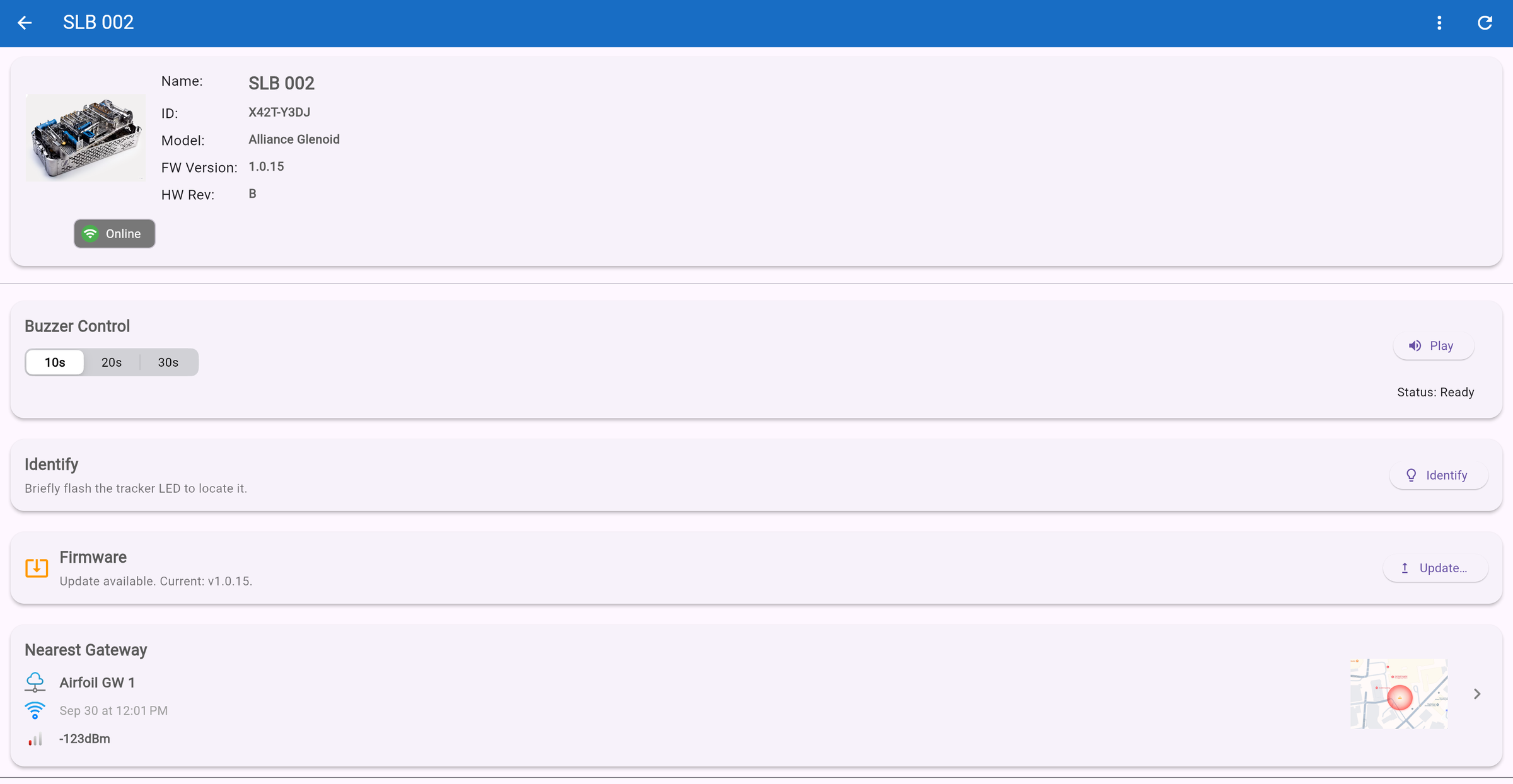
02
Open an individual asset to see its details, online status, and nearest gateway with the last time it was seen. Sound the buzzer or flash the LED directly from the app.
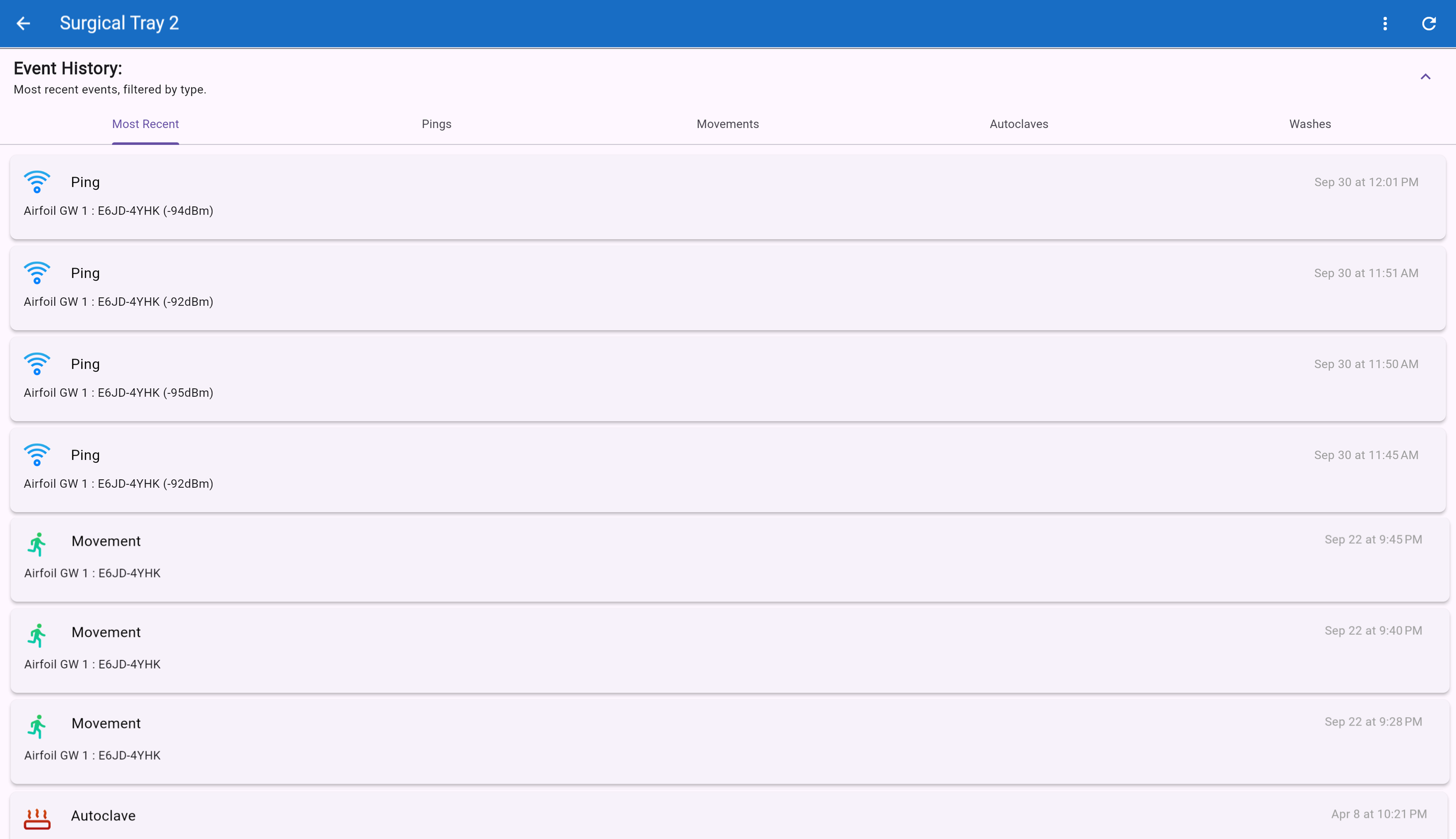
03
Follow the recorded activity of an asset over time and filter it by pings, movements, autoclave cycles, and washes.
From Asset to Fleet
The same data that helps locate an individual tray can also create a broader view of how surgical assets are distributed, moving, and interacting with the environments around them.
Open the record for an individual tray and understand its latest status and activity.
Review tracked assets together to understand inventory at a broader level.
Historical activity creates a clearer picture of how assets move and behave over time.
SENOPS Intelligence
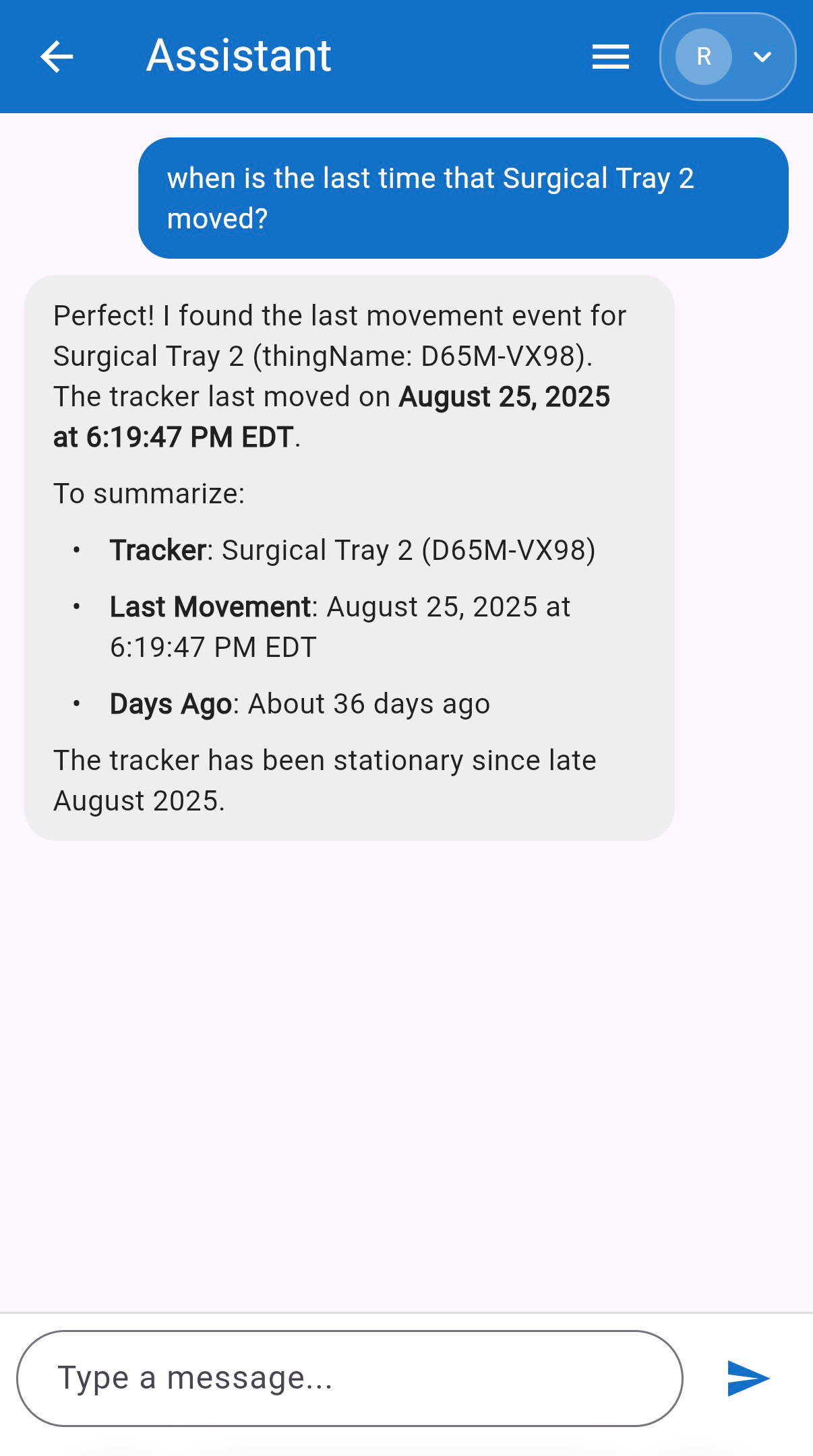
SENOPS brings live telemetry and historical asset data into an intelligent platform. Ask questions in natural language and get answers from the activity already happening across your network.